
Join MestoKart and Grow Your Grocery Business!
Sell online with zero registration fees and reach more customers.

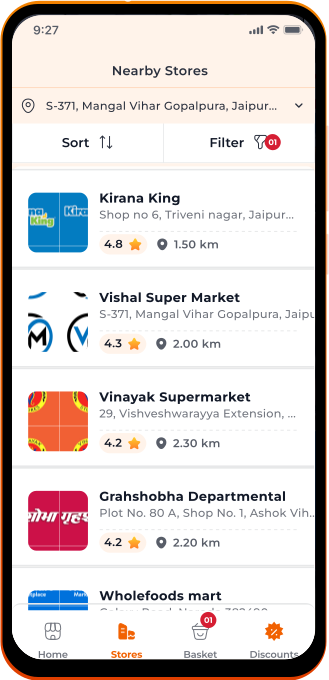
Get Listed on MestoKart &
Boost Your Sales.
List your products on MestoKart and reach more buyers. It’s a quick, easy way to expand your business and boost sales.
Why choose MestoKart!

Reach more local customers & Boost Your Sales

Easy Inventory Management process

Quick Payment Settlements
Join MestoKart to compete with
Quick Commerce Companies
While Quick Commerce Companies may reduce sales for retail stores,
MestoKart allows these stores to offer a similar online shopping experience.
This helps them scale up their business due to online presence.
How it works
Sign Up
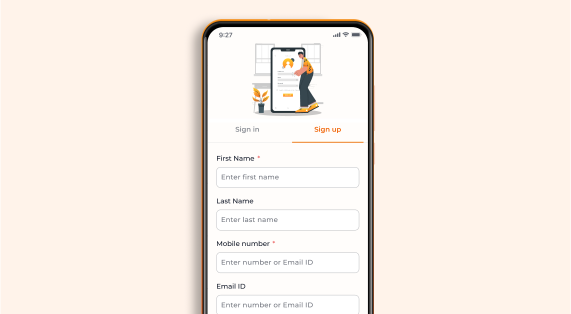
Create your seller account with simple steps.
List Products
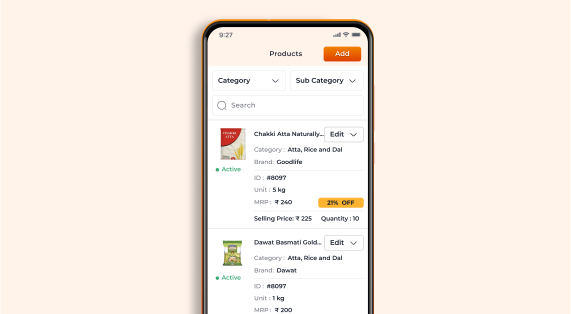
Add your products with descriptions & prices.
Start Selling & Get Orders
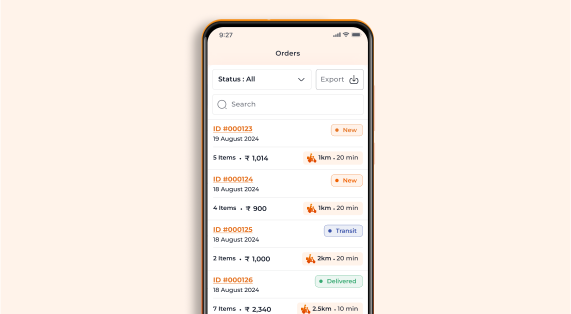
Reach a wider audience & start receiving orders.
Receive Payments
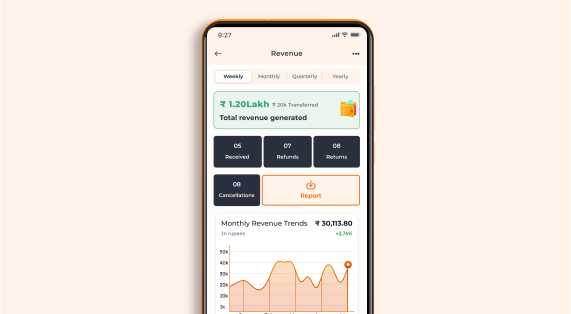
Receive secure payments directly to your account.
Key Features

Easy Onboarding
Get started quickly with our simple signup process.

Real-Time Dashboard
View your sales, orders, and inventory at a glance.

Product Management
Add, update, or remove products easily—even in bulk.

Order Tracking
Monitor your orders from placement to delivery with real-time updates.

Analytics & Insights
Use detailed reports to understand your sales trends and customer preferences.

Payment Integration
Manage payments safely with our integrated and trusted system.
Frequently Asked Questions
MestoKart helps retailers and D2C brands set up a FREE digital storefront to buy and sell online easily. It connects sellers with more customers and boosts sales.
Register on our web or mobile app quickly. Have your Aadhar, PAN, GST, and Bank details ready for uploading.
Yes, a GST certificate is mandatory.
Yes, we offer training on inventory management, order processing, and using the Seller panel. Demo videos are also available.
Yes, you'll receive notifications via the MestoKart web or mobile app. You can check the order status on the seller dashboard.
Payment settlements are done after successful delivery. For non-returnable items, payments are settled 2 days after delivery. For returnable items, payments are settled 2 days after the return period expires.
Currently, orders are processed on a prepaid basis only.
For every order, the commission for Grocery & Supermarkets stores starts at 2.5% + applicable taxes, including payment gateway fees. Additionally, 1% TCS & 0.1% TDS is deducted as a government compliance. For logistics support from MestoKart seller might have to pay extra amount per order to avail delivery services from third party logistic partners.
At present, the seller is responsible for handling the deliveries.
No, MestoKart does not provide packing material.
You can easily add products from our master catalog and see them listed right away. It's that simple!
Once you have set up your store, you can manage your inventory and products through the seller dashboard. You can add new products, update stock levels, and set prices. The dashboard provides an easy-to-use interface for managing all aspects of your store.
In the seller portal, there is a functionality to process returns. Once the return flow is completed, the refund is processed automatically.
Access sales reports, analytics, and performance metrics in the seller dashboard.
MestoKart provides dedicated support for sellers through our help center. You can access resources, guides, and FAQs to assist you with any issues. Additionally, you can contact our support team for personalized assistance.